










BigBlueButton Security Hardening Checklist (Production)
Learn a production-focused BigBlueButton security hardening checklist to improve secure access, reduce avoidable exposure, and support compliance-ready classroom operations for schools and IT teams. A production BigBlueButton deployment is not secure because it works. It becomes safer when access paths are restricted, roles are controlled, recordings are governed, logs are reviewed, and operational changes follow a repeatable checklist. For schools and training teams, this matters because virtual classroom platforms hold live conversations, user identities, and sometimes sensitive recordings. Security hardening is the layer between a standard installation and a production service that can survive audits, scaling pressure, and day-to-day administration. That includes SSO security, moderation policy, audit logs, vulnerability management, secure recording access, and clear decisions around data residency and retention. This page also keeps the commercial reality in view: security cannot be separated from hosting quality, WebRTC stability, or LMS workflows. Teams still need clear answers for how to record BigBlueButton meetings, how to view recorded conferences, and how to share recordings into systems like Canvas without breaking governance. Primary keyword: BigBlueButton security hardening checklist. Secondary keywords: BigBlueButton security, BigBlueButton compliance, BigBlueButton access control, BigBlueButton recording privacy, SSO security for BigBlueButton. Supporting keywords used across this page include GDPR, data residency, audit logs, vulnerability management, moderation policy, production hardening, secure hosting checklist, log retention, least privilege access, secure LMS integrations. Additional long-tail keyword strategy used naturally throughout this article includes BigBlueButton production security, BigBlueButton secure access checklist, virtual classroom compliance checklist, harden BigBlueButton for schools, BigBlueButton audit readiness, secure BigBlueButton recording access, BigBlueButton data retention policy, BigBlueButton moderator permissions, secure SAML and OIDC login for classrooms, and security checklist for browser-based virtual classrooms. BigBlueButton security hardening means reducing unnecessary exposure after installation and before large-scale production use. It is the difference between a working classroom platform and a controlled service that supports compliance, governance, and safer operations. BigBlueButton is not just a login page or a static dashboard. It handles live audio, video, presentation sharing, chat, recordings, and role-based classroom behavior. That makes security broader than simple authentication because the risk surface includes moderator permissions, meeting links, recording exposure, and real-time classroom misuse. For schools, this becomes even more important during peak concurrency. A busy system needs secure access that stays reliable under load, not a policy that looks good on paper but causes classroom friction, weak moderation, or support bottlenecks during term time. Reactive security waits for an incident, a mis-shared recording, or a login complaint. Checklist-driven security starts earlier by defining what must be locked down before teachers and students ever join a class. For production teams, this approach reduces avoidable risk and makes audits easier to pass. The most useful production question is not “is it installed?” but “is it governed?” A secure BigBlueButton deployment should define who can access the platform, who can create rooms, who can moderate, who can view recordings, and how the team proves those decisions later. Security and compliance are not isolated from infrastructure. Weak routing, rushed failover changes, or unclear TURN and firewall behavior can lead to emergency fixes that bypass change control. A secure platform is one where operational pressure does not push admins into risky shortcuts. That is why infrastructure clarity matters: routing, access policy, uptime planning, and controlled changes all support the same goal—safe, reliable classrooms with fewer surprises during live sessions and fewer exceptions during audits. For policy review and platform guidance, see biggerbluebutton.com/terms. Users often ask how to record in BigBlueButton, how to access recordings, or how to download a recording from BigBlueButton. In production, the better question is who should be allowed to do each of those actions. Recording features need governance, not just availability. For broader product guidance, review biggerbluebutton.com/features. The phrase canvas BigBlueButton recording usually points to one requirement: share a class archive in another LMS without losing access control. This should be done through a governed path, not informal public links. It is the process of reducing risk in production by tightening access, controlling recordings, reviewing logs, and maintaining secure operational practices. Virtual classrooms can involve personal data, recorded sessions, and role-based access, so governance and auditability matter alongside uptime. Data residency shapes where classroom-related data and recordings should be stored or processed to align with institutional and regional requirements. Audit logs should support visibility into access, role changes, sensitive actions, and investigations tied to security or support events. Secure recordings with restricted access, defined retention, controlled sharing workflows, and clear rules around download permissions. Use documented moderator permissions, record only when needed, and publish access through approved workflows instead of ad hoc links. That should be a policy decision. Production teams should decide who can download, when, and under what retention rules. Yes, but the safest method is a governed LMS workflow such as controlled links, LTI-based access, or an approved media library process. Security hardening gives schools a cleaner path to controlled access, safer recordings, stronger auditability, and fewer surprises during live operations. Start with a checklist that matches real production needs.
BigBlueButton Security Hardening Checklist (Production)
What security hardening means in production
Why BigBlueButton security is different from ordinary web apps
Checklist-driven security vs reactive security
Self-hosted vs managed security operations
Category Self Hosted Managed Access Control Internal team defines identity rules, privilege reviews, and emergency response Provider can reduce setup mistakes and support more consistent security operations Patching Admin team owns update timing, validation, and rollback planning Better fit when teams want predictable upkeep and lower operational overhead Audit Readiness Documentation and proof collection stay in-house Can help standardize review processes, retention, and support evidence Production hardening requirements that matter most
Why WebRTC and infrastructure still affect compliance
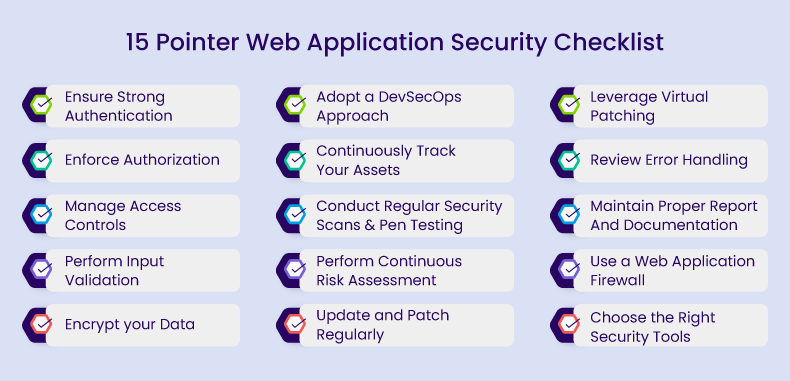
Production BigBlueButton security hardening checklist
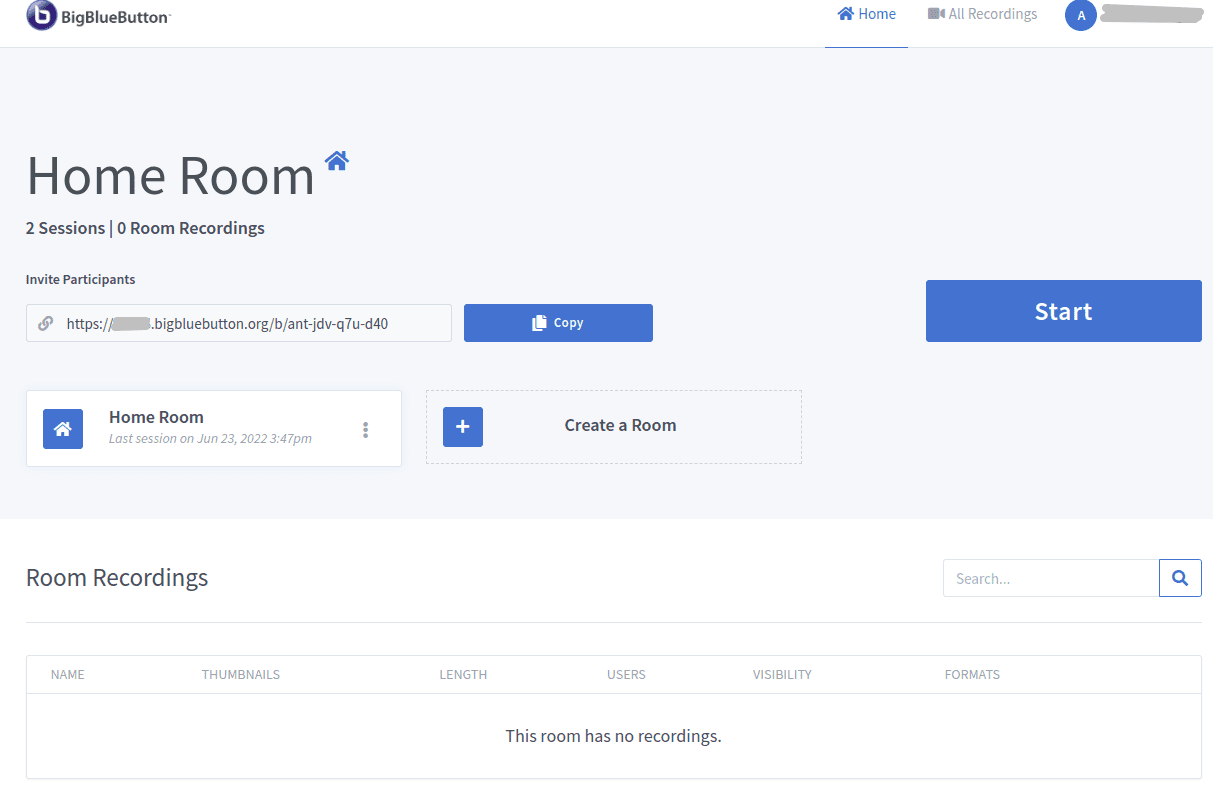
Recording privacy, access, and best practices
Canvas and LMS sharing with security in mind
Recommended next links for security and deployment planning
FAQ
What is BigBlueButton security hardening?
Why does compliance matter for virtual classrooms?
How does data residency affect BigBlueButton?
What should audit logs cover?
How do you secure recordings?
How do you record in BigBlueButton safely?
Can users download a recording from BigBlueButton?
Can recordings be shared to Canvas securely?
Turn a working classroom platform into a safer production platform
