











BiggerBlueButton Blogging

hosting image
blog list image

BigBlueButton Hosting: A Buyer’s Checklist for 2026

BiggerBlueButton logo

BigBlueButton Hosting: A Buyer’s Checklist for 2026

Learn BigBlueButton Hosting: A Buyer’s Checklist for 2026 and improve performance and reliability. Covers key steps, settings, and common mistakes.

Category: BigBlueButton Hosting · Article ID: A001 · Tags: bigbluebutton hosting, bbb hosting, managed hosting, dedicated server

BigBlueButton hosting banner

Why this checklist matters in 2026

If you support live classes or training at scale, your biggest risk is not “feature gaps”—it’s real-time performance. WebRTC sessions punish weak hosting: jitter, packet loss, and CPU pressure turn into audio drops, screen-share stutter, and frustrated learners.

Recordings add another layer. Teams ask: how do you record in big blue button, big blue button how to get recordings, and where do i find conference recordings on big blue button. Those workflows only stay reliable when storage, retention policy, and load are designed intentionally.

For schools, LMS integration is a governance problem as much as a convenience feature. Questions like canvas big blue button recording and how to send big blue button video recording to canvas usually surface after adoption—so you want your hosting and policy decisions done upfront.

Use this buyer’s checklist to compare self-hosted vs managed options, size for concurrent users, and ensure recording and Canvas workflows stay predictable under peak load.

Definition: what “BigBlueButton hosting” really means

BigBlueButton hosting is the operational layer that keeps real-time classrooms stable and makes recordings discoverable and shareable. In practice, hosting covers the server fleet, media routing, storage, monitoring, and policies that make big blue button recordings reliable for staff and students.

  • Capacity planning for concurrent users, peak schedules, and mixed usage (webcam + screenshare + audio).
  • WebRTC media path readiness (TURN, routing, CPU headroom) to prevent jitter and drops.
  • Recording pipeline and storage so teams can add a recording to a big blue button conference and later retrieve it fast.
  • Governance controls (TLS, retention, access logs) that meet compliance expectations.
  • Uptime SLAs, monitoring, and incident response so classes don’t fail mid-semester.
Highlighted takeawayBuy hosting like an IT system, not a video app: size for peaks, verify WebRTC paths, and define recording + Canvas workflows early.

What BigBlueButton is and why hosting quality shows up in every class

BigBlueButton is built for online learning: real-time audio, webcam, screen share, chat, and classroom workflows that map to teaching and training. For IT teams, the key point is that it’s a real-time media system. The same meeting experience can feel “excellent” or “unusable” depending on hosting.

Most deployments fail at peaks: Monday 9am, exam review week, or company-wide onboarding. That’s why bbb hosting decisions should start with concurrency and network realities, not marketing checklists.

If your users ask “how to record big blue button meeting” or “big blue button view recorded conference” and the answer changes by department or week, your hosting stack is under-designed for recordings and retrieval.

BBB vs Zoom / Teams / Meet: the IT impact (not the UI)
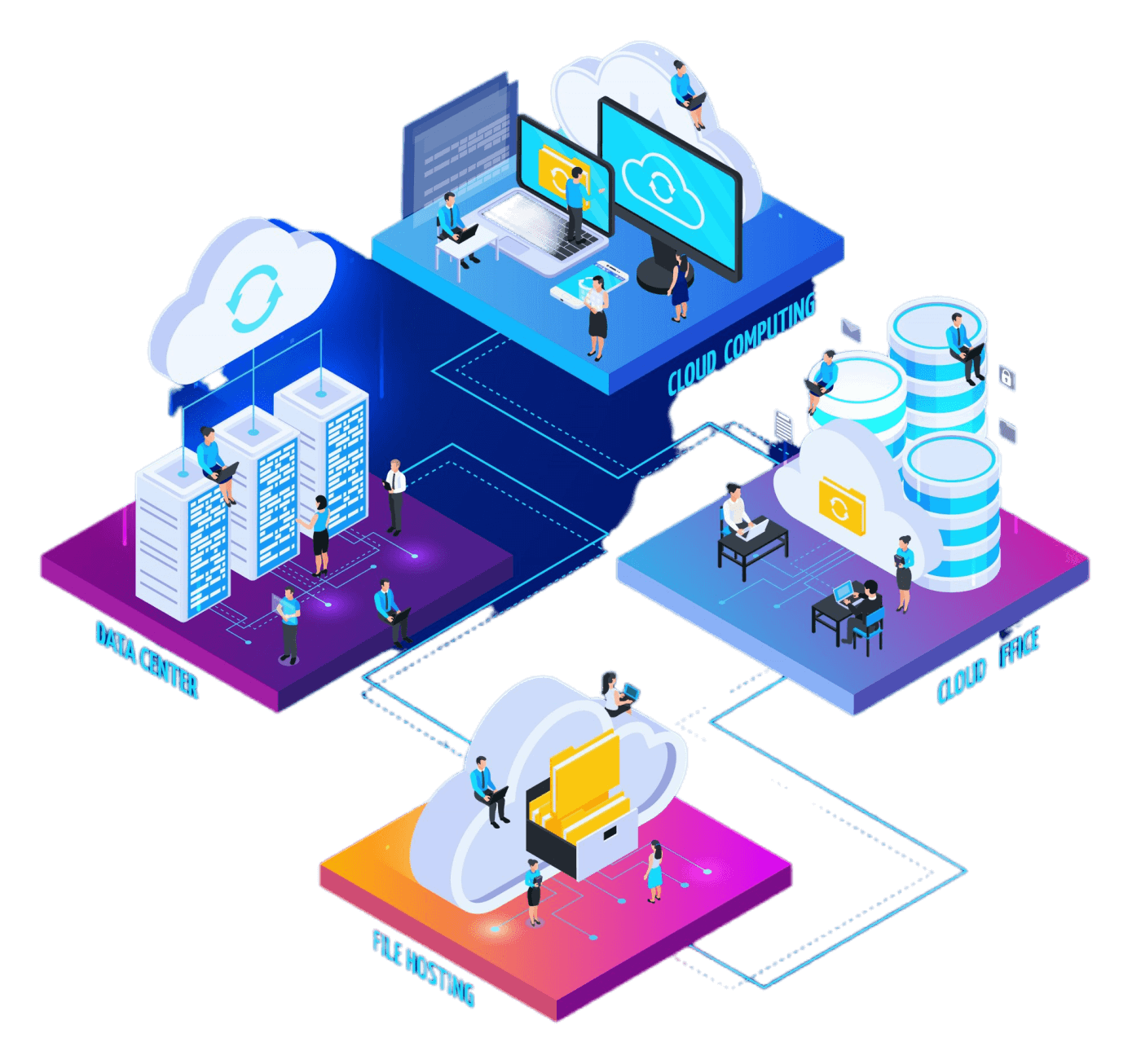
Zoom, Teams, and Meet outsource most real-time complexity to their global infrastructure. With BigBlueButton, you control outcomes—great for governance and LMS alignment, but it means your platform must be engineered for your peak load and your recording policies.

  • Performance control: you can optimize latency paths, TURN capacity, and CPU headroom for your campuses or regions.
  • Governance: you define retention, access, and auditing for recording on big blue button and chat artifacts.
  • Integration: LMS and identity alignment can be tighter, but it requires a clean hosting posture.
Clustered hosting concept
Practical comparison lens

Ask: “What happens when we double concurrent users next term, and everyone starts recording?” If the answer is unclear, prioritize a managed option or a proven scaling architecture before rollout.

Self-hosted vs managed hosting: what you actually take on

Many buyers start with a dedicated server and underestimate ops burden: media tuning, updates, monitoring, recording storage, and incident response. A managed provider reduces operational risk—especially when recordings and LMS integration become mission-critical.

CategorySelf HostedManaged
Updates & patchesYou own upgrade cadence, testing, rollbackProvider manages tested releases
ScalingYou design for concurrency & peaksCapacity planning + operational playbooks
Recording pipelineYou size storage, retention, jobs, backupsProvider runs, monitors, and tunes recording
SLA & supportOn-call burden on your teamDefined uptime SLA + incident response
Compliance postureYou document controls and auditsShared responsibility, clearer governance

Requirements: “How many concurrent users?” is the right first question

Licenses don’t break sessions—resource contention does. Concurrency determines CPU, bandwidth, TURN capacity, and recording throughput. When buyers ask about pricing without concurrency, the result is predictable: unstable classes, failed recordings, and rushed scaling mid-term.

  • Baseline sizing: define peak rooms, peak participants per room, and % using webcam + screen share.
  • Network reality: account for home Wi-Fi users and NAT constraints (TURN usage spikes).
  • Recording impact: more recordings means more CPU, disk IO, and storage/retention planning.
  • Growth buffer: plan headroom for enrollment increases and additional departments.

WebRTC in plain language: what affects class quality

WebRTC is the real-time transport for audio/video/screen share in browsers. It’s sensitive to routing quality, jitter, packet loss, and CPU headroom. When media paths degrade, users don’t say “packet loss”—they say “I can’t hear you.”

  • Routing: shorter paths reduce latency; consistent paths reduce jitter.
  • TURN: needed when direct peer paths fail (NAT/firewalls). Under-sized TURN is a common “mystery” outage.
  • CPU headroom: real-time encoding plus peaks can saturate; avoid running near 100% under load.
  • Packet loss: causes choppy audio; it’s often worse on crowded Wi-Fi.

Security & governance checklist: what IT should confirm

For schools and enterprises, security is policy + proof: TLS in transit, controlled access, retention, and auditability—especially for recordings and chat artifacts (for example, big blue button recording chat).

  • TLS everywhere; hardened endpoints; least-privilege admin access.
  • Retention policy that matches governance: what is kept, for how long, and who can access.
  • Auditing: access logs for recordings and admin actions.
  • Documented terms for organizational alignment (see Terms link below).

Review terms and governance expectations here: biggerbluebutton.com/terms-and-conditions

Recording: how to record on BigBlueButton (reliable steps + best practices)

These steps answer the most common queries: how to record big blue button, how do you record in big blue button, and big blue button record. Your UI may vary slightly by LMS integration, but the workflow principles are consistent.

  1. Confirm recording is enabled before class: hosts should verify the session is configured to record. This avoids “big blue button enable recording after conference started” surprises.
  2. Start recording at the right moment: once the class begins, start recording so students can later view recorded conference and review key sections.
  3. Minimize recording risk: avoid rapid start/stop cycles; keep stable audio; reduce network congestion where possible.
  4. End cleanly: at conclusion, end the session and ensure the recording job can finalize. Users often ask big blue button end recording or big blue button stop recording—the safe rule is: stop recording when teaching ends, then end the meeting.
  5. Access & share: confirm where recordings appear for your deployment so users know where do i find conference recordings on big blue button and big blue button how to access recordings.
Recording best practices for IT
  • Define retention and naming conventions; document big blue button saving a recording expectations for staff.
  • Provide a “how to” page: big blue button how to record a presentation, how to locate, and how to share.
  • If users need export, clarify how to download recording from big blue button (permissions + policy).

See platform capabilities and options here: biggerbluebutton.com/features

Canvas + BigBlueButton recording: what it means and how to share safely

When teams search canvas big blue button recording, they usually want a consistent process for student access and instructor sharing. The goal is governed distribution: right people, right course, right retention.

Method 1: Link to the recording (fastest)

Post a controlled link inside Canvas modules or announcements. This addresses sharing a recording from big blue button while preserving your access policy.

Method 2: LTI-based workflow (consistent experience)

If your Canvas deployment uses an LTI integration, recordings can appear in a course context with clearer ownership. This helps reduce “can students record canvas conferences big blue button” confusion by aligning roles and permissions.

Method 3: Governed media library (best for compliance)

For strict retention and auditing, publish recordings to an approved library and embed or link from Canvas. This supports workflows like how do you submit a recording from big blue button while ensuring policy enforcement.

FAQ (schema-ready text)

How do you record in BigBlueButton?Use the meeting recording control as the host. Start recording after class begins, keep the session stable, then stop/end at the conclusion so the recording can finalize.
Can you enable recording after the conference started?It depends on how the session was created and your LMS settings. Best practice is to confirm recording is enabled before class to avoid policy and permission issues.
Where do I find conference recordings on BigBlueButton?Recordings are typically listed in your course or meeting history area, depending on your integration. IT should document the exact path for instructors and students.
How do I access and view a recorded conference?Open the recording link from the course context or recording list. If access fails, it’s usually a permissions or retention policy issue, not the recording itself.
How do I stop or end a recording in BigBlueButton?Stop recording when teaching ends, then end the meeting. This reduces processing issues and helps ensure the recording finalizes consistently.
Can you download a BigBlueButton recording?Download ability depends on your organization’s permissions and policy. If downloads are allowed, IT should provide a governed process aligned to retention and auditing.
What does “Canvas BigBlueButton recording” mean in practice?It means distributing recordings inside Canvas in a controlled way—via a direct link, an LTI-based course workflow, or a governed media library for compliance.
How do I send a BigBlueButton video recording to Canvas?Use one of three approaches: post the recording link in the course, rely on an LTI-integrated recording list, or publish to an approved media library and embed/link from Canvas.
Keyword plan (for this article)
Primary: BigBlueButton hosting buyer’s checklist
Secondary (5): bigbluebutton hosting, bbb hosting, managed BigBlueButton hosting, BigBlueButton hosting pricing, BigBlueButton concurrent users sizing
Supporting (10): WebRTC performance checklist, TURN server capacity, latency and jitter troubleshooting, uptime SLA for virtual classrooms, recording with BigBlueButton, big blue button how to get recordings, where do i find conference recordings on big blue button, download recording from big blue button, big blue button stop recording, canvas big blue button recording
Additional long-tail ideas (10–20): BigBlueButton hosting checklist 2026, BigBlueButton dedicated server sizing, BigBlueButton hosting uptime SLA, BigBlueButton bandwidth planning for schools, BigBlueButton latency requirements, BigBlueButton recording retention policy, BigBlueButton recording storage planning, BigBlueButton peak concurrency planning, BigBlueButton WebRTC packet loss mitigation, BigBlueButton TURN vs direct media, BigBlueButton hosting for districts, BigBlueButton hosting for corporate training, BigBlueButton recording access permissions, BigBlueButton recording troubleshooting, BigBlueButton LMS integration governance
Note: The GLOBAL keyword bank is blended across intro, recording steps, Canvas methods, and FAQ without stuffing.

Next step: choose a plan that matches your peak load and recording needs
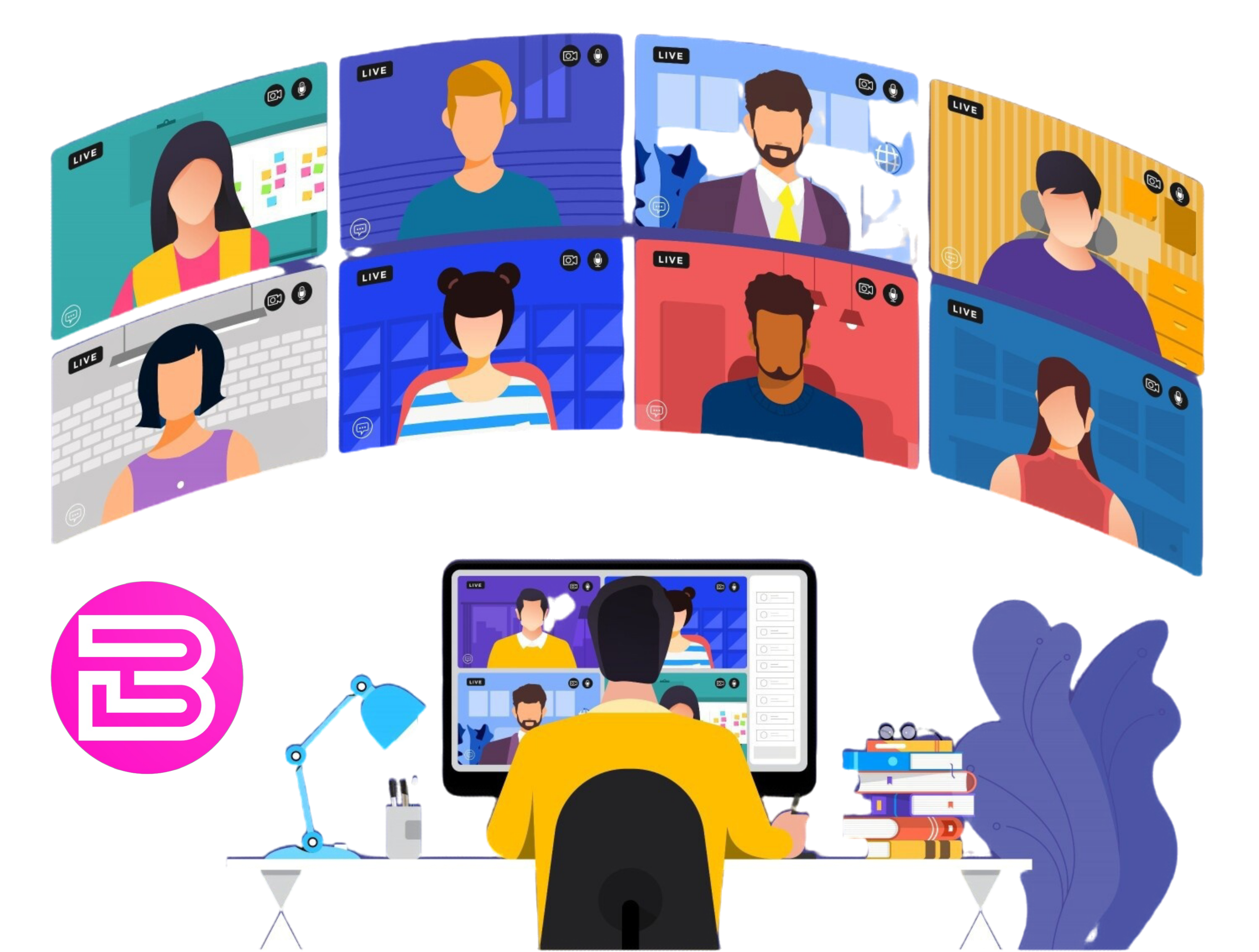
If you want predictable WebRTC quality, clear recording retrieval, and a Canvas-ready sharing workflow, start by sizing concurrency and confirming governance requirements—then select the plan and support model that fits.


Chat with us on WhatsApp
Chat on WhatsApp
